Rated
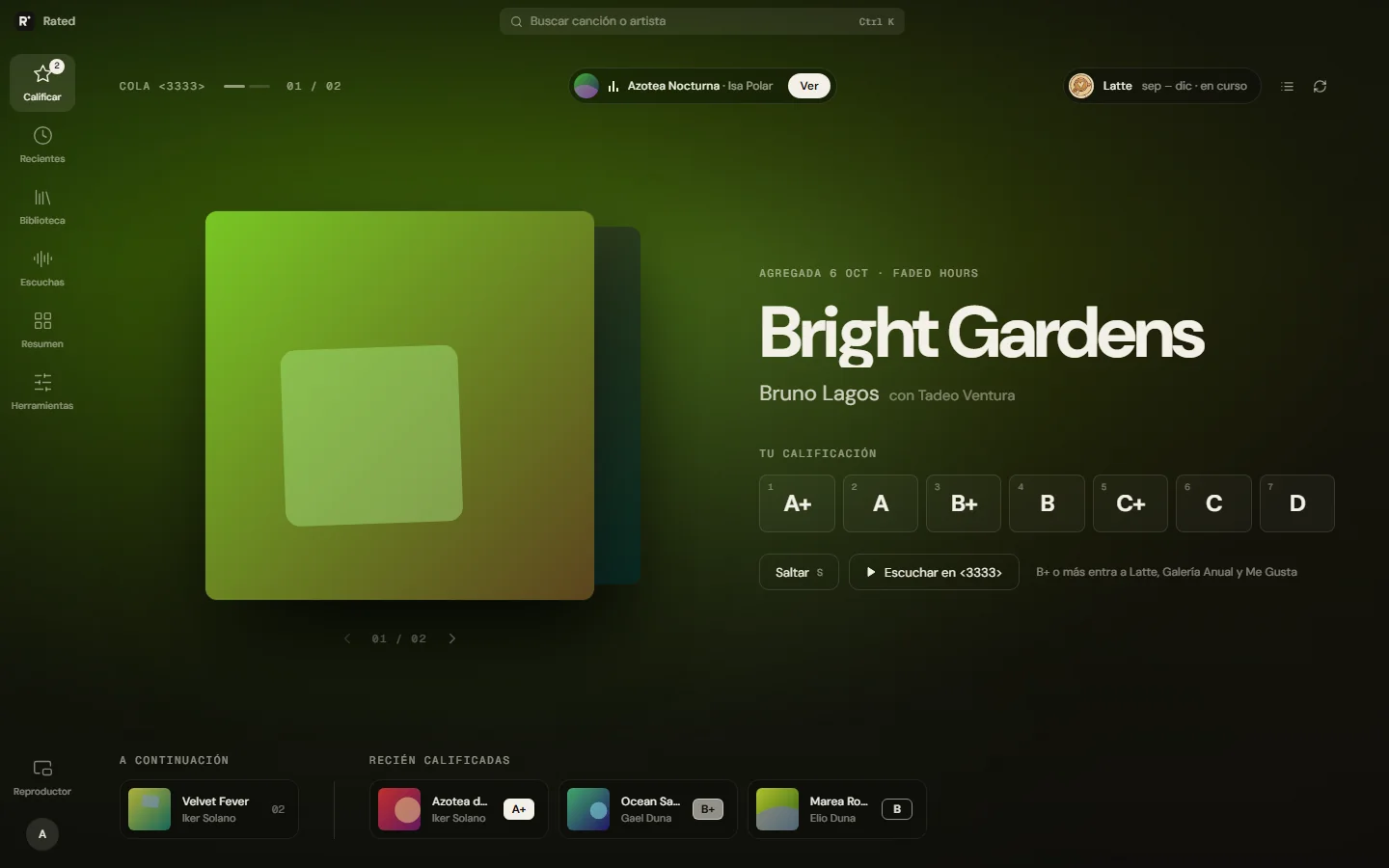
An app to rate the songs I listen to on Spotify and know how many times I play each one, something Spotify doesn't show.
On the phone
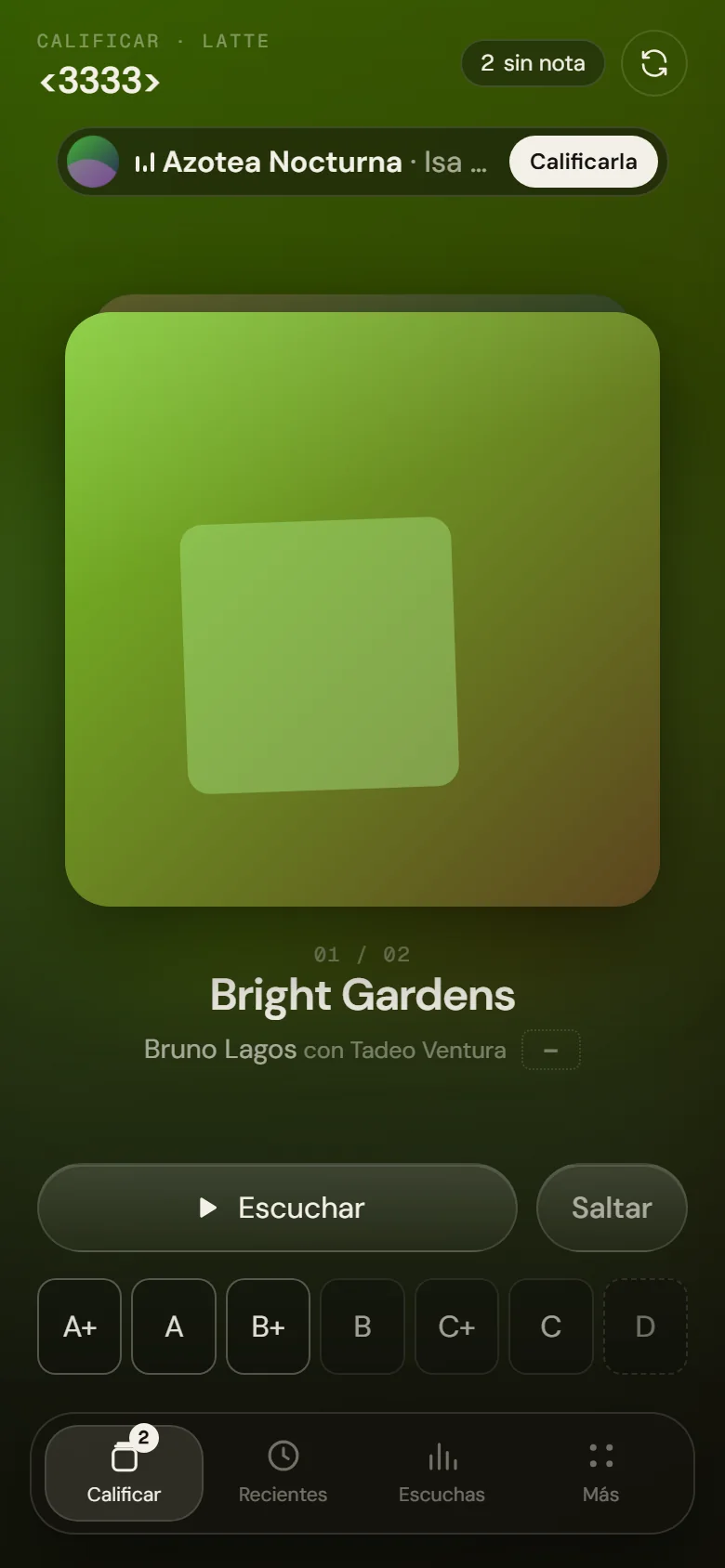
The app detects whether it's opened on a computer or a phone and changes its layout. On Android it also has a notification and widgets that show the song that's playing with the seven ratings, to rate it without opening the app.
Rate once and let the rest happen on its own
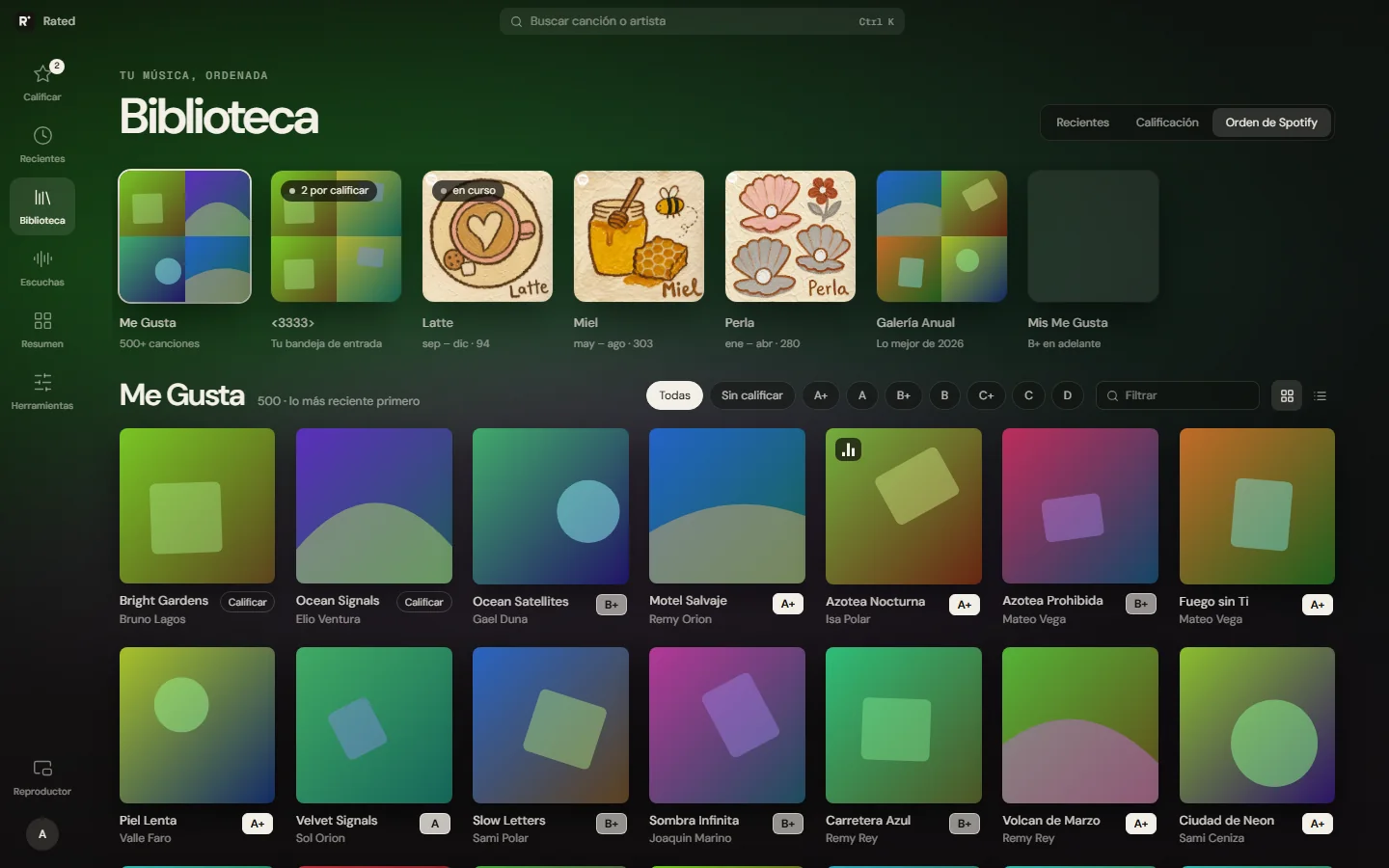
Spotify lets you save songs but not rate them, and it doesn't show how many times you've played each one. Rated does both. Ratings go from A+ to D. When a song gets a B+ or higher, the app adds it to my favorites playlists and my Liked Songs on Spotify; if I lower the rating later, it takes it out.
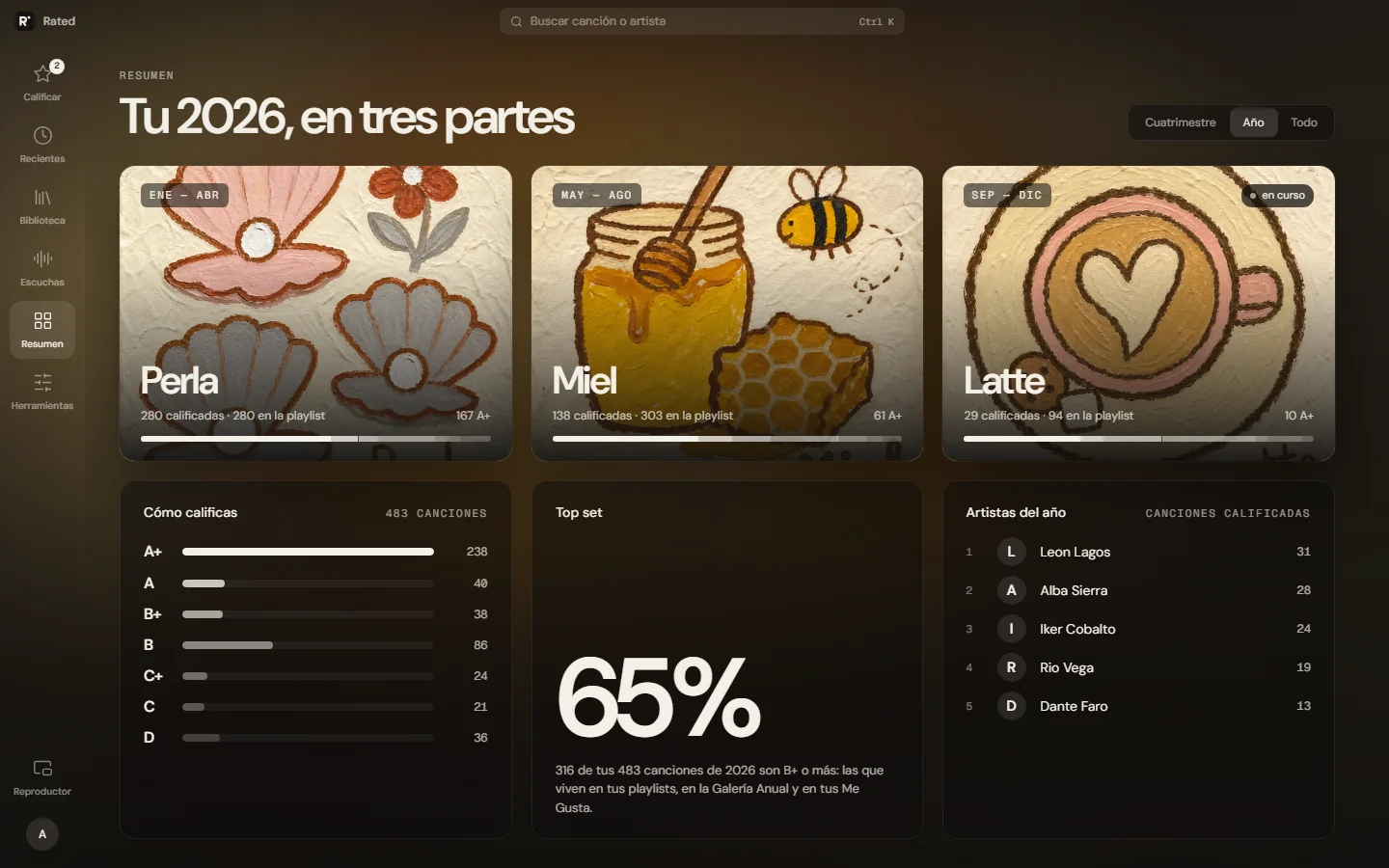
I also split the year into three playlists of four months each. Songs I rate high go into the current one, and past ones are never changed again: they stay as a record of what I was listening to back then.
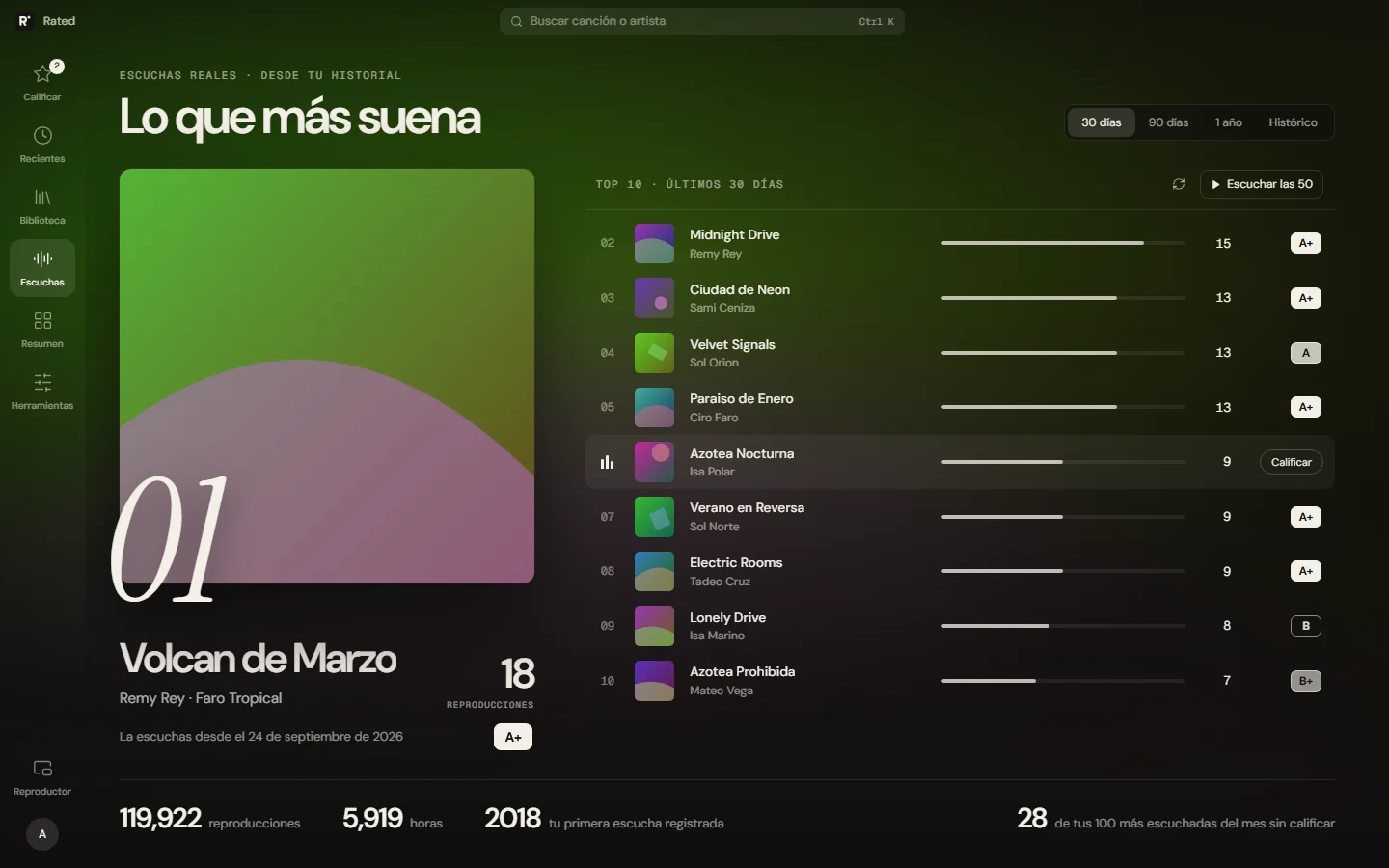
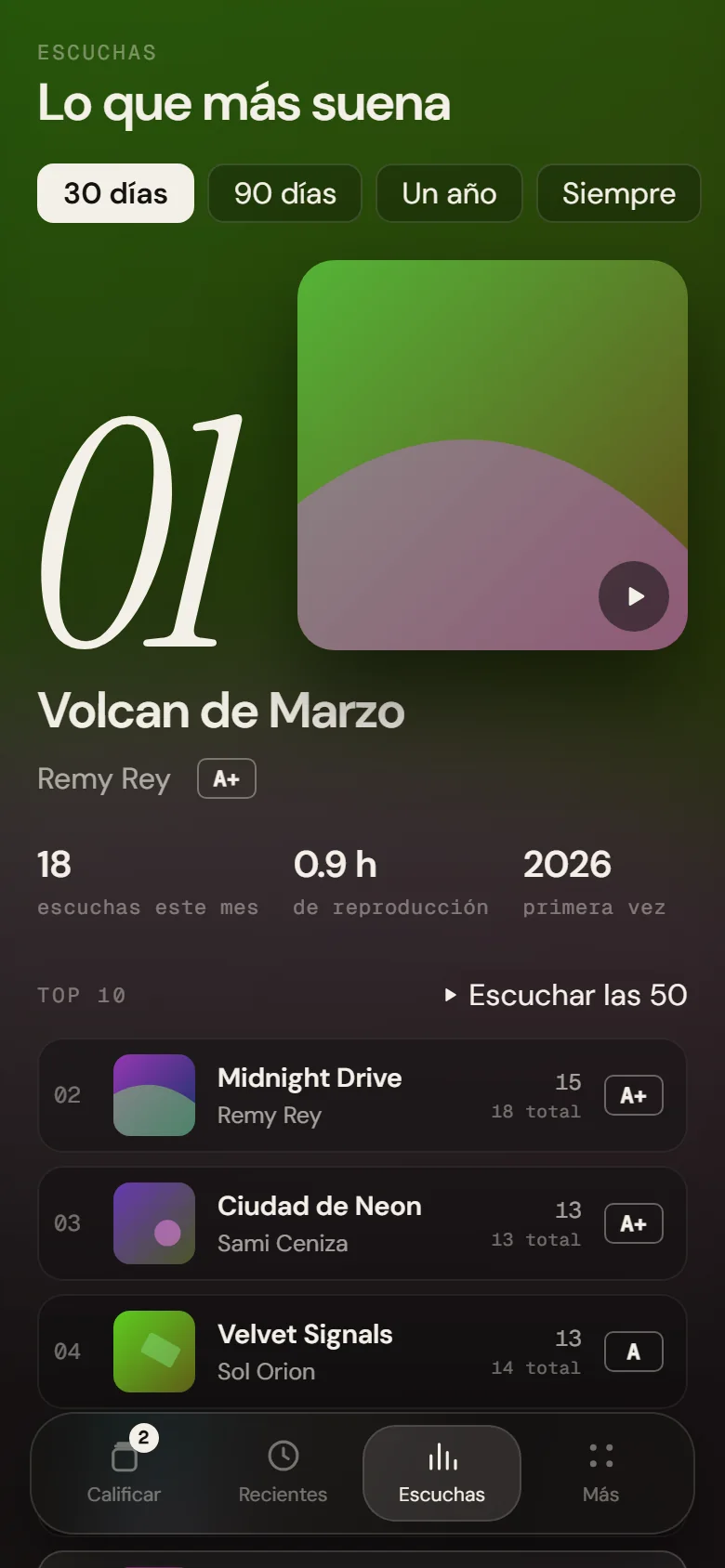
For the play count I imported the full history Spotify gives you when you request your data: 187,577 plays back to 2018. I only count the ones longer than 30 seconds, about 120 thousand and almost 5,900 hours. Since then the app records every song I play.
With that I can see what I played most this month, what I haven't heard in months, and what I play a lot without having rated it.
Where the data comes from
Spotify API
OAuthThe app signs in with my account and stores the access in the database. It only accepts my account, so nobody else can connect.
Recorded every 15 minutes
Cloud SchedulerSpotify only shows the last 50 songs played, about three hours. I first used a scheduled task on GitHub Actions, but it ran 2 to 5 hours late and songs got lost; with Cloud Scheduler they don't.
MySQL
two tablesOne stores every play with its date, to query by period; the other keeps the total per song.
FastAPI on Cloud Run
Python · pandas · Cloud BuildEvery change I push to GitHub is built and published automatically. The database password is kept in Secret Manager.
Web, desktop, and Android
three versionsThe same interface in the browser, in a desktop app, and on Android, with a notification and widgets.
What I learned building it
Every play is counted once
The recording runs every 15 minutes and always sees songs it already saved. To avoid counting them twice, the table doesn't accept the same song at the same moment (a composite key and INSERT IGNORE). That way the safeguard lives in the database and doesn't depend on the code never failing.
Recognizing a song by name and artist
Spotify gives the same song different IDs depending on the album or reissue. Matching by ID alone lost about 12,000 plays; I noticed it comparing against another stats app. Now songs are matched by name and artist, careful not to merge a remix with the original.
Zero isn't the same as no data
On the screen for cleaning up my Liked Songs, songs with no history showed zero plays and came first in the list to be removed. Now they show a question mark.
Few database queries
The database is in another region and each query takes about 80 ms. Asking for 500 songs one by one would take 40 seconds, so every screen is resolved in two queries.
- Python
- FastAPI
- pandas
- MySQL
- Google Cloud Run
- Cloud Build
- Cloud Scheduler
- Secret Manager
- Spotify API
- OAuth
- Android